

Picture this: it’s early, you’re barely awake, and from your kitchen you casually say, “Brew my black coffee.” You’re not talking to a person; you’re speaking to a device. Within seconds, it responds to your voice, prepares your drink, and lets you know when it’s ready. No screen. No tapping. No buttons. Just a simple command and an instant response.
Step into the era of Zero UI.
Zero User Interface refers to interacting with technology without relying on traditional screens. Instead of swiping, clicking, or typing, you use voice, gestures, sensors, or even contextual cues to communicate with devices. It’s an experience you feel before you even notice it, which is seamless, invisible, and intuitive.
According to Gartner, 70% of customer interactions will happen entirely via AI-powered conversational interfaces by 2028.
For years, screens have defined how we engage with the digital world. From smartphones to car dashboards, screen-based interfaces have shaped not just our routines, but also our behaviours, posture, and even the way products are designed. They’ve become second nature.
But as Zero UI technologies steadily integrate into our daily lives, designers are being pushed to reimagine what an “interface” truly means. When interaction becomes invisible, the concept of design shifts dramatically.
Before we explore the big question, “whether Zero UI could eventually overtake screen-based interfaces?”, it’s essential to first understand what Zero UI actually means and the factors driving its growing adoption.
What is Zero UI? A Clear and Practical Explanation
Traditional screen interfaces rely on direct physical input. Users tap, swipe, scroll, press buttons, or select options to make something happen. Every action is visible and deliberate.
Zero User Interface works differently. Instead of depending on screens, it enables interaction through voice, eye movement, gestures, biometrics, and even contextual signals. In some cases, environmental factors like location, motion, or surrounding conditions also influence how a system responds. Over time, these invisible interfaces have quietly become part of everyday life through smart voice-controlled devices and connected technologies.
From a design standpoint, this touchless technology is about minimising visual clutter and allowing systems to merge more naturally with human behaviour. It doesn’t eliminate interfaces entirely; rather, it removes the need for visible controls and manual inputs like tapping or clicking. Commands are delivered through speech, movement, or subtle cues, making the interaction feel more fluid and instinctive.
At its core, Zero UI aims to shorten the gap between intention and response.
The goal is simple: Reduce friction so that technology reacts almost as effortlessly as a conversation.
“The coming age of UI/UX isn’t focused on more screens, but on minimal, smarter ones. Zero UI represents the shift from navigating interfaces to interacting with intelligence”
, says Himanshu Mehra, Team Lead – Design at DigiMantra.
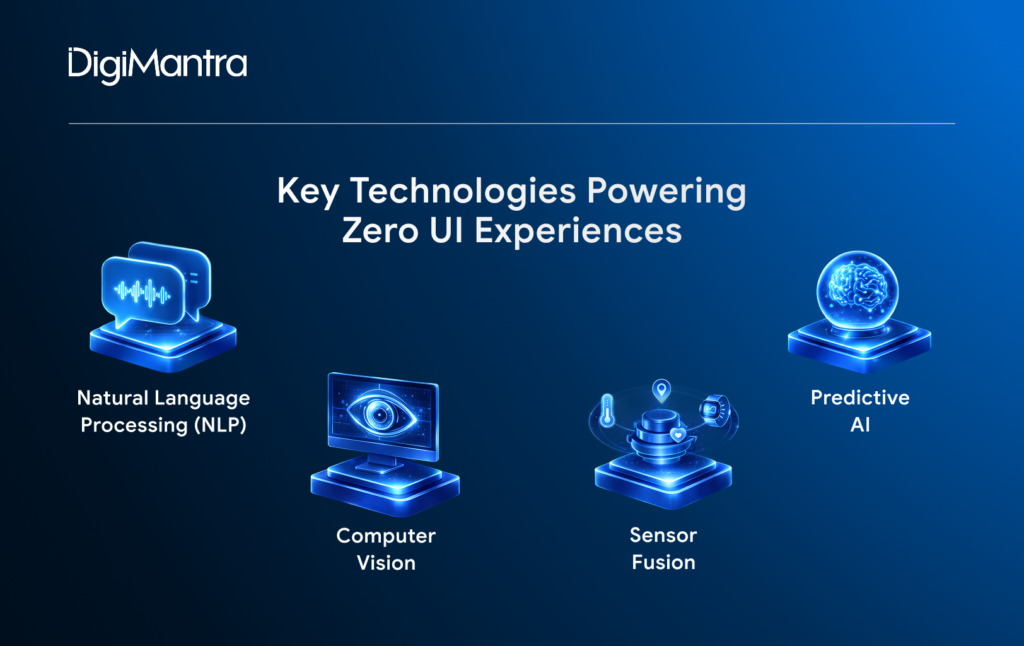
Technically, Zero UI systems are powered by technologies such as Natural Language Processing (NLP), computer vision, sensor fusion, and predictive artificial intelligence. These components work together to interpret human signals and deliver accurate, context-aware responses.
Let’s break down how each of these technologies makes Zero UI possible.
Key Technologies Powering Zero UI Experiences
Natural Language Processing (NLP)
Natural Language Processing (NLP) in UI enables devices to interpret and respond to human speech in a way that feels natural and conversational. Instead of giving rigid, command-style instructions, users can speak the way they normally would.
For example, rather than simply saying “play music,” you might ask a voice assistant to “put on something romantic for a rainy evening,” and it understands the mood and context behind the request.
Designers leverage NLP to build systems that recognise differences in tone, phrasing, accents, slang, and underlying intent. The goal is to create conversations that feel fluid and intuitive, more like speaking to a person than issuing instructions to a machine.
Computer Vision
Computer vision interfaces allow systems to interpret visual cues such as facial expressions, body movements, and subtle gestures. With this technology, something as simple as waving your hand in the air can switch channels on a smart TV or control a device, making it a remarkable shift from traditional remote controls.
For designers and developers, however, building these experiences is far from simple. They must account for variables like lighting conditions, motion accuracy, and different user behaviours.
At the same time, systems need to distinguish between intentional gesture-based interactions and accidental movements to prevent false activations, all while delivering quick and reliable responses.
Sensor Fusion
Sensor fusion technology combines inputs from multiple sources, such as temperature sensors, motion detectors, wearable devices, and GPS, to build a complete picture of a user’s environment and behaviour. By blending this data, systems can respond intelligently based on context rather than waiting for direct commands.
Imagine your smart home detecting through GPS that you’re close to arriving. If it’s late and the temperature has dropped, the system might automatically turn on the porch lights, adjust the heating, and prepare the garage door to open, all without you lifting a finger.
For designers, the challenge lies in orchestrating these various data streams into a seamless experience. The interactions must feel coordinated and considerate, not intrusive or overwhelming. When done right, sensor fusion creates technology that anticipates needs rather than merely reacting to requests.
Predictive AI
Predictive AI in UX enables devices to act proactively, without requiring explicit commands from users. These actions are guided by patterns in past behaviour.
For instance, a smartwatch might prompt you to drink water before a workout because it has learned your exercise habits over time.
In the realm of UX design, the challenge lies in creating systems that inspire user trust. Users should feel that the device is anticipating their needs in a helpful way, rather than making random guesses or judgments.
For UX designers working in Zero UI, the approach extends far beyond traditional buttons and visual elements. Key considerations include:
- Adaptive models that recognise and learn natural user behavioural patterns.
- Feedback mechanisms leveraging haptics, sounds, and environmental cues.
- Context-aware technology that knows when and how to act appropriately.
- Error recovery systems that handle accidental actions gracefully.
Why Zero UI is Gaining Momentum Now
Zero UI was once limited to niche technologies and specific devices. Early examples include voice assistants, gesture-controlled games, and voice-enabled automotive systems. These were our first real experiences with interfaces that go beyond screens.
The COVID-19 pandemic accelerated the demand for digital, touchless solutions, pushing the need for more intuitive interactions. Today, Zero UI has evolved far beyond voice commands, incorporating gestures, predictive actions, and context-aware interactions.
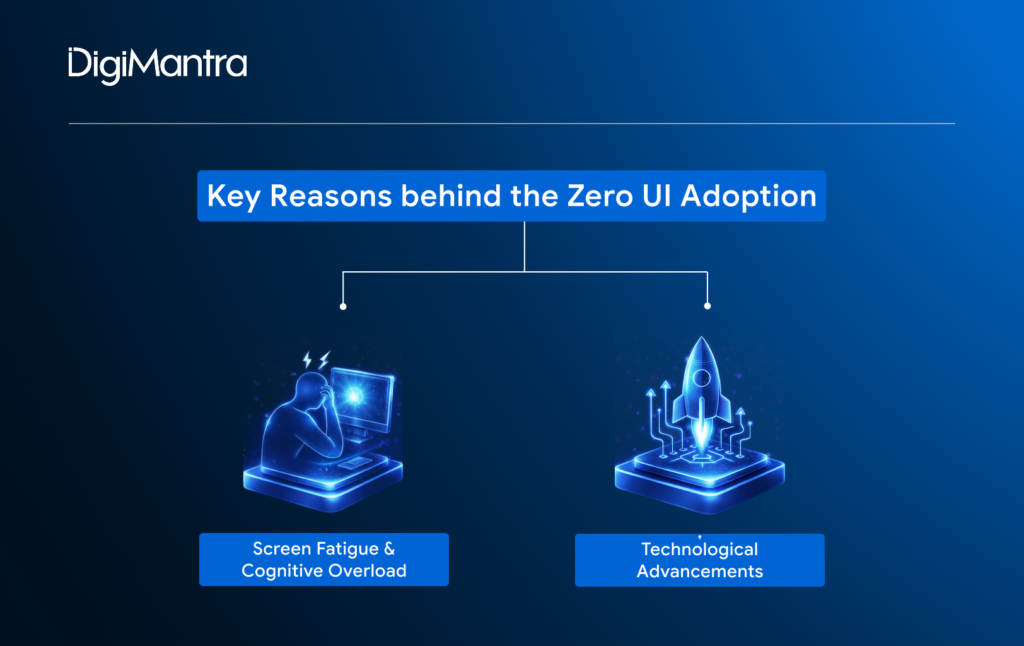
However, there are some clear reasons driving designers to accelerate the adoption of screenless interfaces in everyday life:
Screen Fatigue and Cognitive Overload
The average person spends around 7 hours a day looking at screens. Social media, apps, and constant notifications demand our visual attention, often leading to eye strain and mental fatigue. Zero User Interface aims to ease this burden by creating interfaces that reduce the need for screen interaction, helping minimise both cognitive overload and screen fatigue.
Technological Advancements
Modern Zero UI solutions benefit from highly accurate, real-time speech recognition and gesture detection. With powerful cloud AI and on-device processing, these systems are now faster, more secure, and less reliant on constant internet connectivity.
This brings us to a critical question: Will Zero UI replace traditional screen-based interfaces? To answer this, we need to examine the arguments on both sides. Let’s dive in.
Will Zero UI Make Screens Obsolete?

Screenless interfaces represent a significant leap in how we interact with technology, making devices feel intuitive, personal, and almost invisible. By combining speech, gestures, predictive AI, and smart sensors, it reduces our reliance on screens and streamlines everyday interactions. Innovations like smart assistants, computer vision systems, and ambient computing are already giving us a glimpse of a future where technology anticipates our needs before we even act.
However, screens aren’t going away completely. They remain crucial for trust, transparency, and control. Dashboards, menus, and visual feedback help users verify actions, correct errors, and feel confident in the system, which is something AI alone cannot guarantee. The real potential lies in hybrid interfaces (Hybrid UIs), blending Zero UI’s seamless, anticipatory interactions with traditional visual elements. This combination creates technology that is both effortless and reliable, offering the best of both worlds, i.e., a future where devices feel smart, human-centred, and under our control.
Future of UIs: Hybrid and Coexisting Interfaces
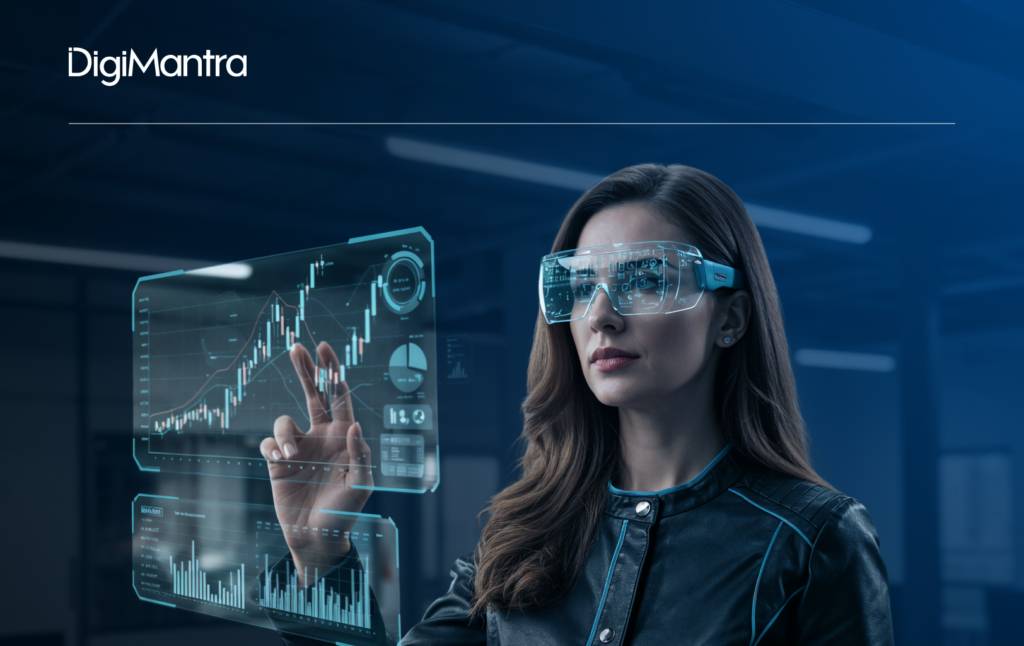
Zero UI isn’t about eliminating screens entirely. Humans still rely on them for certain tasks while seeking screen-free interactions for others. The key lies in hybrid interfaces, where traditional screen-based UIs and Zero UI work together, each taking the lead based on context and user needs.
For instance, screens are ideal for tasks that require precision and detailed control, while Zero UI handles intuitive, context-driven commands like “turn on the AC,” “switch off the lights,” or “call John.”
From a UX design perspective, the challenge is understanding system flows, user intentions, and primary versus secondary needs. The goal isn’t to hide screens completely but to use them strategically, ensuring they add value only when necessary, creating a seamless, user-centric design experience.
Discover how Zero UI and the latest UX design trends can work for your business. Schedule a consultation with DigiMantra today.
AI-FIRST ENGINEERING FOR MODERN BUSINESSES
Designed for performance. Powered by innovation.
 Product Development
- Custom Software
 Mobile & Web
- AI & Automation
- Cloud Management
- Intelligent Systems